Horizontal video in, vertical video out.
A new cutof the same story.
Tears of Steel, (CC) Blender Foundation, mango.blender.org · CC BY 3.0
See an example
The same clip, both ways.
Switch between Vertical Studio and a fixed center crop and watch who stays in frame.
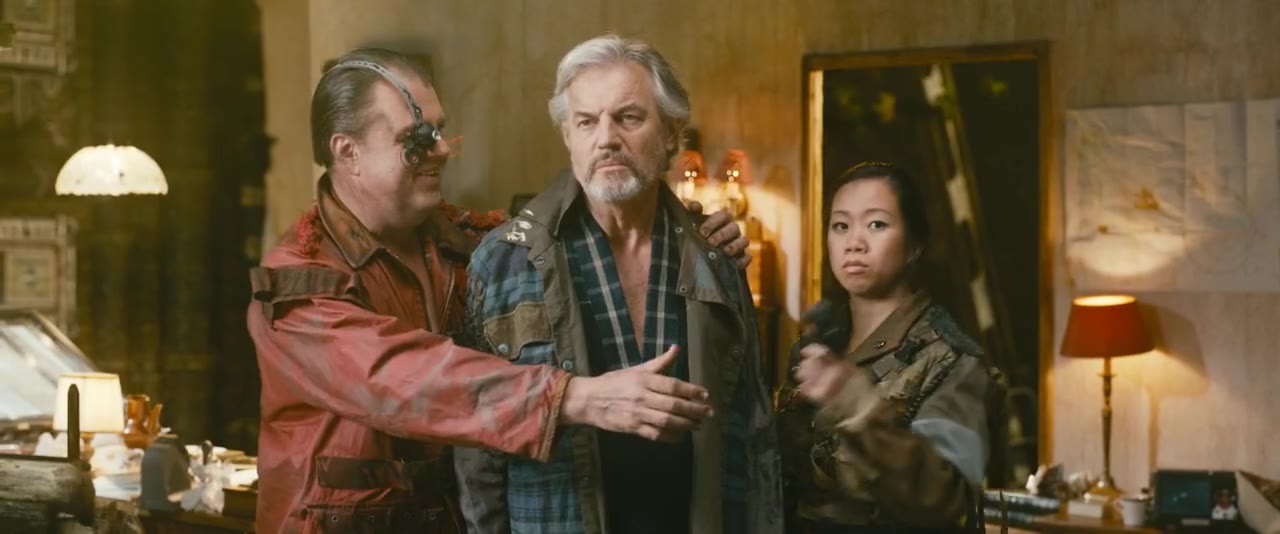
The person who matters in each shot stays fully in frame 94% of the time. With a fixed center crop: 61%.
Tears of Steel, (CC) Blender Foundation, mango.blender.org. CC BY 3.0. Framing computed from the pixels of this clip.
The problem
Libraries were shot for cinema and TV. Phones want 9:16.
Which part of the frame to keep changes with every shot: who is speaking, who matters, where the action goes. Doing that by hand across a library is the work Vertical Studio takes on.
Outputs
One title in. Everything for vertical out.
Each output comes with an edit package for Adobe Premiere, so an editor can adjust anything. Captions stay readable in the vertical frame.


 Best of

 Teaser

 Ep 1Live
How it works
Four steps. You stay the editor.
- 01
Upload or connect
Send a title, or connect a storage bucket or a media asset system.
UploadTears of SteelStorage bucketConnect onceMedia asset systemConnect once - 02
It watches the title
Shot changes, faces, the active speaker, the transcript and the story.
 01
01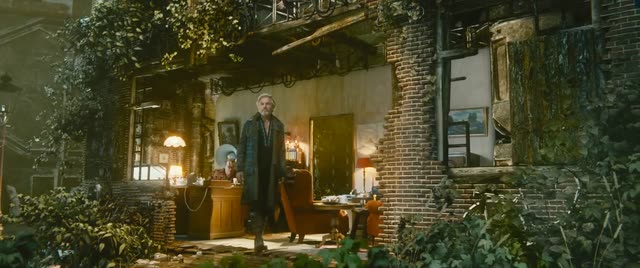 02
02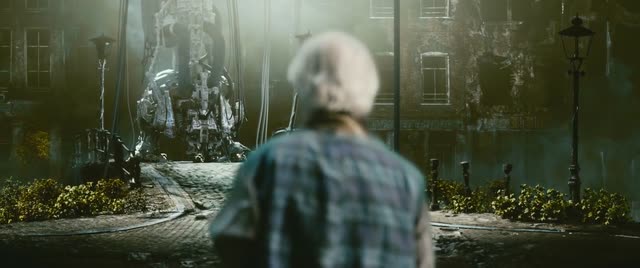 03
03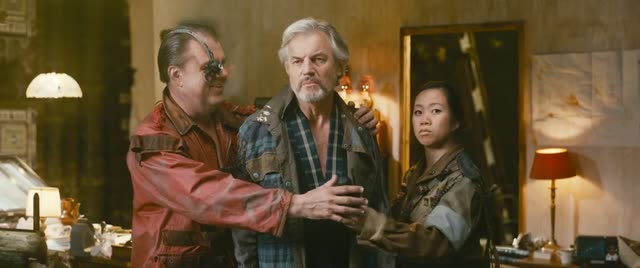 04
04 05
05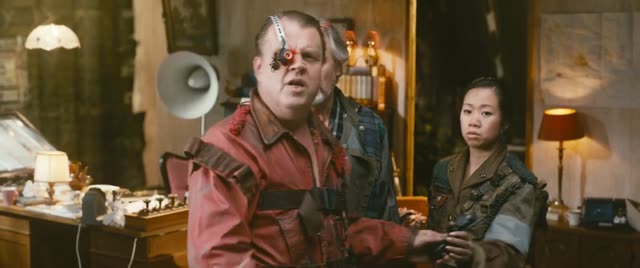 06
06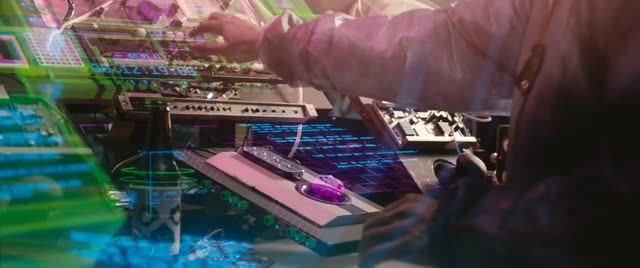 07
07 08Shot changeFace11 shots in 36 seconds
 - 03
It reframes and cuts
Each shot is framed for 9:16. Then it plans the best-of, the teaser and the episodes.
01020304050607089:16 frame, per shotThen: best-of, teaser, episodes - 04
Review and deliver
Review in the studio, adjust in Premiere if you want, and deliver.
ReviewIn the studio, shot by shotAdjustPremiere edit packageDeliverVertical masters
Deployment
Runs where your media lives.
Cloud agnostic. The same product in our cloud, in yours, or in your building.
Our cloud
Nothing to install. Pay per title and per minute.
Your cloud
Deploy into your own cloud account. Built on containers, so it is not tied to one provider.
Your building
Runs on your own Linux machines or Macs with Docker. Media never leaves the building.
Hybrid
Processing where your media is, control from the cloud.
Your media, your rules
- 01Each workspace's files are encrypted with that workspace's own key.
- 02You choose the AI model provider, or run local models only.
- 03Every run is metered. You see an estimate for each title before you commit.
- 04Single sign-on for teams.

Who it is for
- Studios
- Streamers
- Distributors
- Broadcasters
Companies with long-form libraries who need vertical versions for phones, social and vertical-video platforms, without re-editing by hand.

Talk to us
Bring us a title.
Tell us about your library and where the vertical versions need to go. We quote per library.